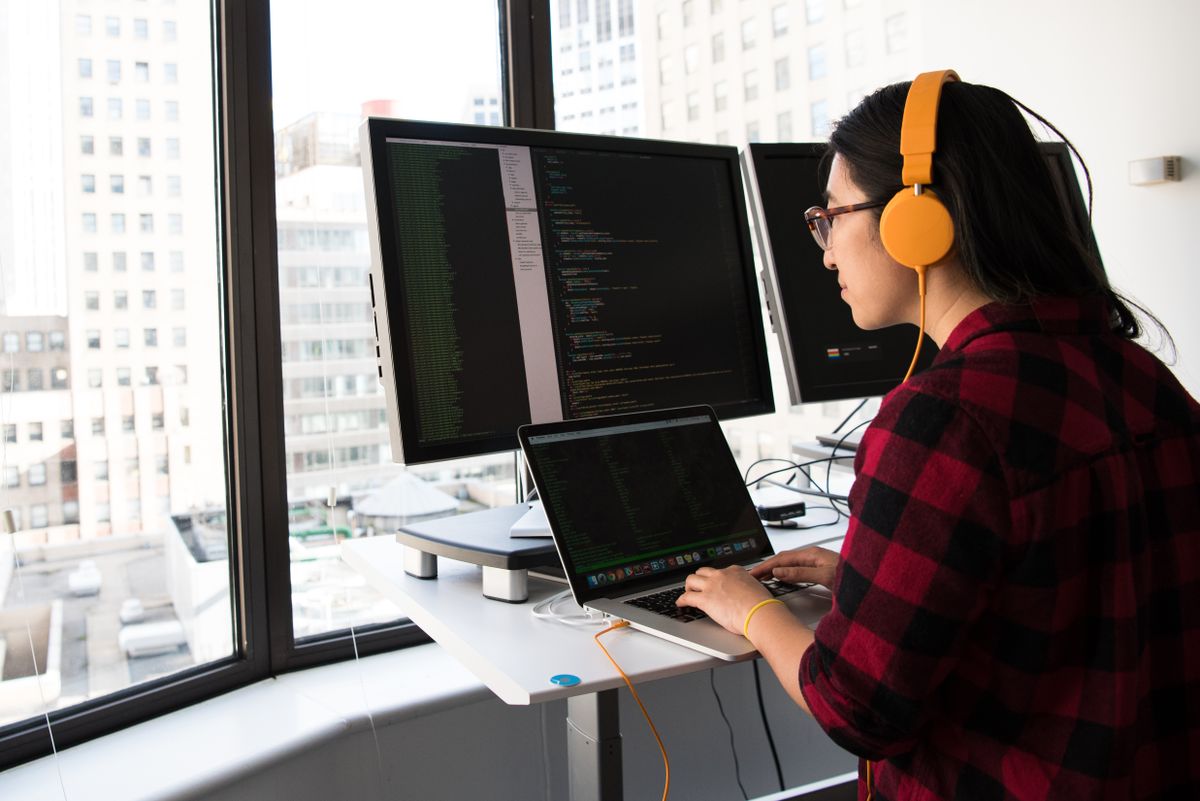
Why Did the Terminal Suddenly Become an AI Workbench? Agent, Skill, MCP, and the CLI Boom
For a long time, "terminal" meant a developer typing commands. In the 2026 AI CLI wave, that role is shifting—the terminal is no longer just where humans enter commands, but where Agents get work done.
An AI can read context here, edit files, run checks, call external tools, keep logs, and hand results back for human review. The real question is not whether "the command line is back in fashion," but why AI Agents need a workbench like this—and how Skills and MCP make it more complete.
1. A Different Lens: The Terminal Is an Agent Workbench, Not a Retro UI
If you read the 2026 CLI boom as "everyone is typing commands again," you are looking at the wrong thing. Terminals are being picked by AI tools again not because they are nostalgic or pretty, but because they naturally provide the work site an Agent needs: files, commands, permission boundaries, execution history, and room for humans to step in and review.
Web chat is great for conversation; IDE panels are great for editing a single file. But Agent tasks often span many steps—read a directory, change config, run a script, inspect logs, iterate again. The terminal strings those actions onto one timeline so both human and machine can see what just happened. That is why products like Cursor, Claude Code, and Gemini CLI converge on the terminal (or a terminal-like surface) as the Agent's main execution layer—not as a passing trend.
2. What a Workbench Needs
Think of the terminal as an AI workbench and list what it must provide. At minimum, a surface that can run Agents needs:
- Context: current project directory, related files, environment information
- Tools: ability to invoke shell, scripts, and external APIs
- Methods: stable, reusable flows for recurring task types
- Execution: turning plans into real operations, not just text suggestions
- Feedback: command output, errors, and test results flowing back to the Agent
- Records: traceable steps for review and collaboration
- Review: pausing before critical operations until a human approves
The CLI does not supply "intelligence"—models and Agent frameworks do. The terminal's value is that it concentrates these elements in one traceable site, instead of scattering them across chat windows, email, and copy-paste.
3. Why the CLI Already Has What It Takes
For decades, the OS terminal has done one job: let someone (now an Agent) operate on the real world from a current working directory. Several capabilities are almost built in:
| Workbench element | What the terminal provides |
|---|---|
| Context | Working directory, relative paths, environment variables |
| Tools | Any CLI program, script, or package manager |
| Execution & feedback | stdout / stderr returned in real time |
| Records | Session logs, command history, replayable output |
| Permissions | File access, network, and secrets governed by the system and user |
That is why Agents in the terminal do not mean "everyone must learn Vim." You do not need to memorize a hundred commands; you need to understand which directory the Agent is in, which files it can touch, and which commands it has run. The terminal is a work site, not an exam.
4. What Agents Actually Do in the Terminal
In an IDE, AI often helps you complete or explain code. In a terminal-style Agent, it behaves more like a contractor who actually does the work. A typical loop looks like this:
- Understand the goal: break a natural-language task into executable steps
- Read context: browse directories, open relevant files, confirm dependencies and environment
- Execute steps: edit files, install dependencies, run checks or builds
- Observe results: judge success, failure, or need for adjustment from output
- Iterate: keep going until done or ask for human help
Compared with pure chat, a terminal Agent adds three hard capabilities: read/write files, run commands, and load extensions. Because it can change your repo, permissions and confirmation matter more than "text that looks right"—you need an auditable, rollback-friendly work site.
5. Skills: A Method Library on the Workbench
If the Agent is the colleague doing the work, a Skill is the playbook taped to the desk: for a given task type, follow a defined process instead of improvising from scratch every time. "Write a blog post to team standards," "run a pre-release checklist," or "normalize research notes in a fixed format" can all become Skills.
Skills do not guarantee correct results every time. Their value is reusing methods and standards: fewer wrong turns on similar tasks, more stable output style, step order, and acceptance criteria. You do not have to author Skills yourself—but when a product says "install a Skill," it means giving the Agent another reference book, not adding a mysterious plugin.
6. MCP: External Interfaces for the Workbench
MCP (Model Context Protocol) is, roughly, how an Agent in the terminal can safely "plug in" to external systems—databases, document stores, tickets, search, monitoring, and more. Without MCP, an Agent is often limited to local files and shell. With MCP, the workbench expands from "single-machine operations" to "real data and workflows inside an organization."
One clarification: not every task needs MCP. Tidying local Markdown, batch-renaming files, or running a test script can stay on local context alone. MCP pays off when you need internal wiki pages, production metrics, or Jira updates. Think of it as the workbench's external API layer, not a mandatory part of every Agent setup.
7. Not Just for Writing Code: The Same Logic Serves More People
The terminal as an AI workbench does not mean the CLI belongs only to programmers. The same pattern—context + execution + records + review—shows up in scenarios like these:
- Content teams: batch-process drafts against templates, check links and frontmatter
- Research: organize literature notes, unify citation formats, build summary indexes
- Ops and publishing: run pre-release checklists, diff configs, export reports
- Power users: automate repetitive folder cleanup, backups, and format conversion
These people may not love the command line, but they need an Agent that works on real files and real tools. A terminal-style workbench turns "suggestions" into "verifiable operations"—that is why the CLI broke out in 2026. Not nostalgia, but something that lands.
8. What Users Actually Need to Learn
If memorizing commands is not the bar, what mental model should everyday users build? Five ideas:
- Working directory: where the Agent is working defines which files it can touch
- Permissions: which actions require approval, which secrets must not be handed to the Agent
- Confirmation: whether deletes, publishes, and network calls pause for your review first
- Logs: when something goes wrong, check what it ran—not just "the AI failed"
- Rollback: use Git or backups so Agent edits have an undo path
Web apps and GUIs are not obsolete; they remain strong for browsing, approval, and visualization. The terminal workbench fills the gap for execution chains and traceable work sites—Agents need a surface where they can act, log, and pause, and the CLI happens to bundle that well.
9. Conclusion: The CLI Boom Fits the Agent Workbench
In one line: the terminal became an AI workbench not because everyone must type commands again, but because Agents need a place to touch files, run commands, load Skills, call MCP, record results, and accept human review—and the CLI pulls those together.
Skills give recurring tasks stable methods; MCP connects the workbench to external systems; the Agent sits in the middle understanding goals, executing, and correcting. The CLI is not where intelligence comes from—it is the execution environment and traceable work site. With that frame, you will not misread the 2026 terminal wave as "a programmer renaissance," and you will not miss that even if you never type a command yourself, you may already be handing a workbench to an Agent inside an IDE terminal or AI CLI.
Building an Agent Workbench on Mac mini: Steadier and Simpler
Whether you use Cursor Agent, Claude Code, or another terminal-style AI tool, macOS is one of the few environments that combines file system, Unix shell, permission boundaries, and long-running background tasks smoothly. Homebrew, SSH, a native terminal, and Gatekeeper make it easier to draw clear lines when an Agent reads, writes, and runs scripts in a working directory—especially once Skills and MCP extend what the Agent can reach.
Mac mini M4's unified memory handles an IDE, multiple terminal sessions, and local checks at once; roughly 4W idle power also suits a dedicated Agent workbench node—running long jobs, trying new Skills, or isolating MCP permissions off your daily laptop. If you are moving from "trying an AI workbench" to a stable workflow, Mac mini M4 is a strong value starting point—learn more about plans now and let your Agent run on quiet, reliable hardware.