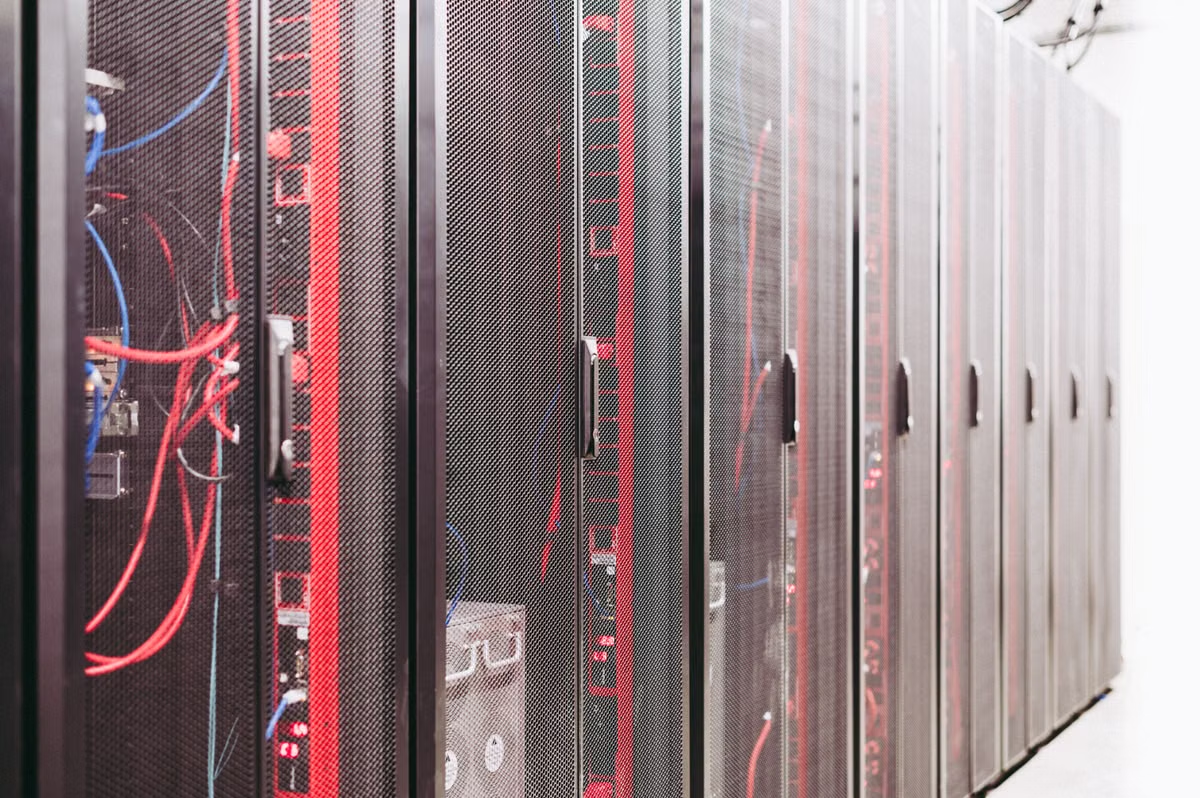
PCIe cards do not become production infrastructure simply because they fit the slot. Choose an AMD Instinct MI350P server upgrade only when your server, power, cooling, ROCm stack, and long-term workload have already passed validation; otherwise, rent AI compute first and use the results to decide.
This guide is for enterprise IT teams extending inference on existing servers, AI startups comparing owned AMD hardware with elastic capacity, and platform leaders trying to limit migration risk and fixed infrastructure spending.
The decision starts with the server, not the card
AMD positions the MI350P as a PCIe accelerator for deployment in existing infrastructure. That does not mean every existing AI server can accept it without modification. The card is a full-height, double-slot PCIe add-in card with passive cooling. AMD lists PCIe 5.0 x16 connectivity, 144 GB of HBM3E memory, 4 TB/s peak memory bandwidth, and a maximum board power of 600 W, configurable to 450 W. See the official MI350P product specifications and the MI350P product brochure.
Those details create several constraints that are easy to miss:
- Power delivery: a server may have enough total power capacity but lack the correct 12V-2x6 connector, cable routing, or power redundancy required for the installed configuration.
- Cooling design: passive cards depend on chassis airflow. A workstation-style enclosure or a server with unsuitable fan curves may boot successfully but throttle or fail under sustained inference.
- Mechanical clearance: a double-slot, full-height card can block adjacent PCIe positions, storage risers, network adapters, or airflow channels.
- Platform firmware: BIOS, BMC, PCIe link settings, IOMMU behavior, GPU discovery, and firmware packages must be checked as one platform rather than as isolated components.
- Network and storage balance: an accelerator with large HBM capacity can still sit idle if model loading, retrieval traffic, checkpoint access, or multi-GPU communication is constrained elsewhere.
- Warranty responsibility: once you add a high-power accelerator, the server vendor, system integrator, and internal team may each assign responsibility differently when a thermal or stability issue appears.
The correct question is not “Can the card be installed?” It is “Can this exact server operate the card continuously under the intended model, software version, and service-level target?”
MI350P hardware facts that affect the purchase decision
| Area | AMD-published information | What you must validate locally |
|---|---|---|
| Form factor | Full-height, double-slot PCIe add-in card | Chassis clearance, adjacent slot loss, riser layout |
| Bus | PCIe 5.0 x16 | Motherboard generation, negotiated link width, BIOS support |
| Memory | 144 GB HBM3E | Model fit, batching policy, memory fragmentation behavior |
| Bandwidth | 4 TB/s peak | Real application throughput with your precision and kernels |
| Power | 600 W maximum; configurable to 450 W | PSU headroom, connectors, redundancy, rack power limits |
| Cooling | Passive | Chassis airflow, fan control, inlet temperature, sustained load |
| Software | Linux x86-64 with ROCm, HIP, and supported frameworks | Kernel, driver, ROCm release, containers, operators, monitoring |
Do not transfer specifications from MI350X or MI355X to MI350P. AMD publishes separate product information for the MI350 series, and the MI350P PCIe card has its own memory, compute, power, and form-factor characteristics. The AMD CDNA architecture overview is useful for understanding the family, but it should not replace the MI350P-specific product page during procurement.
Existing-server teams need a compatibility gate
For a team with an existing AI server and a controlled data center, buying can be reasonable. The deciding factor is whether the server already has the physical and operational foundation for a high-power passive PCIe accelerator.
Can an existing AI server take an MI350P directly?
Usually, you should treat the answer as “not until the exact platform is verified.” A PCIe slot is only one condition. Check the server model against the system vendor’s compatibility list, confirm the riser and slot topology, verify power connectors, and obtain written confirmation that the chassis airflow is suitable for a passive accelerator. AMD’s product page describes the card; it does not certify every server model or every regional configuration.
Your acceptance test should include:
- Cold boot and warm reboot behavior.
- GPU discovery after BIOS and operating system updates.
- PCIe link width and negotiated generation.
- Stable operation at the intended power profile.
- Sustained inference under production-like input rates.
- Recovery after process termination, GPU reset, and host reboot.
- Monitoring visibility for temperature, power, memory, errors, and utilization.
- A rollback plan that lets you return the server to its previous service state.
A server that passes only a short sample job has not completed compatibility validation. It has completed installation testing.
Warning: A high-power passive PCIe GPU can expose weaknesses in fan curves, rack airflow, cable routing, and PSU redundancy that were invisible with lower-power accelerators. Validate the whole server under sustained load.
For a stable production workload, owned hardware can offer predictable placement, local data handling, and lower dependency on external capacity. It also creates a permanent responsibility for spare parts, firmware coordination, operating system maintenance, and incident response. Those obligations are acceptable only when someone is explicitly accountable for them.
First-time ROCm teams should buy optionality
ROCm is more than a driver package. AMD describes it as a software stack that includes HIP, math libraries, communication libraries, profiling tools, debugging utilities, and monitoring components. The ROCm overview shows the breadth of that stack, while the ROCm compatibility matrix documents the relationship between accelerator support, operating systems, kernels, and ROCm releases.
For a team moving from a CUDA-centered environment, the migration surface often includes:
- Custom CUDA kernels or extensions.
- Framework versions and unsupported operators.
- Container base images and runtime assumptions.
- Quantization libraries and serving engines.
- Distributed communication paths.
- Profiling, alerting, and GPU monitoring tools.
- Build pipelines that assume a specific compiler or driver behavior.
- Recovery procedures that were written around another GPU ecosystem.
Should a first ROCm migration start with a purchase or rented capacity?
If the model stack is still changing, start with short-term AI compute rental. A rental environment gives you a bounded way to test installation, container behavior, model correctness, memory use, batching, and operational tooling before you commit to a server upgrade. It is especially important when your team has not yet measured the work required to replace CUDA-specific components.
Do not use only an official sample. Select a representative model and test:
- The production checkpoint and tokenizer.
- Your target precision.
- Real request sizes and concurrency patterns.
- Cold-start and model-loading behavior.
- Failure recovery.
- Logging and metrics export.
- The exact container image planned for deployment.
A successful sample proves that a sample runs. A representative workload tells you whether your service can be operated.
ROCm migration readiness score
Use this simple scoring model before committing to owned hardware:
| Condition | Ready for purchase | Better first move |
|---|---|---|
| All critical operators have been tested on the target ROCm release | Yes | If unknown, rent |
| Production container builds without manual host changes | Yes | If no, rent and fix the image |
| Monitoring and alerting expose GPU health and application latency | Yes | If no, use a managed environment first |
| Model correctness has been compared with the current platform | Yes | If no, rent for validation |
| A named owner handles driver, firmware, and incident response | Yes | If no, avoid immediate purchase |
| Workload demand is stable enough to keep hardware busy | Yes | If no, use elastic capacity |
The score is not a benchmark. It is a risk filter. One unresolved issue in the model path may justify renting even when the server itself is compatible.
Product teams with uneven demand need elastic capacity
AI product teams rarely have one uniform workload. They may have a predictable baseline, an uncertain launch, temporary evaluation runs, customer-specific models, and occasional pressure tests. These workloads create different ownership economics even when they use the same GPU.
For continuous inference, owned hardware becomes more attractive when the service has a stable operating pattern, a clear capacity floor, and a team that can maintain the host. For experiments, short releases, and demand spikes, rental avoids paying for capacity that remains idle between events.
Is MI350P better for continuous inference or temporary projects?
It can serve either, but the purchase decision is stronger for continuous inference with measured demand. Temporary projects should usually begin with rented capacity unless the project is already committed to a long operating period and the physical environment is ready.
Use actual service records rather than intuition. Review:
- Baseline and peak request volume.
- GPU utilization during normal and peak periods.
- Release calendar and expected launch windows.
- Number of simultaneous models.
- Model reload frequency.
- Required redundancy.
- Expected growth and the date by which more capacity would be needed.
A fixed server has costs even when traffic falls. Those costs include power, rack space, support contracts, hardware depreciation, monitoring, patching, and the engineering time needed to keep the node usable. Rental shifts more of that responsibility outward, but introduces its own checks: hourly or monthly billing, capacity availability, network transfer, access controls, and the need to recreate environments consistently.
Data-bound teams should separate privacy from ownership
A company may say that data cannot leave a controlled environment. That statement does not automatically mean the company must own the GPU.
The real requirement may be one of the following:
- Data must stay inside a specific country or facility.
- Data must be isolated from other tenants.
- Administrators need audit logs and controlled access.
- Data must be deleted after a job.
- The company must retain physical custody of the server.
- The security team must approve the full software and network path.
These requirements lead to different solutions. A properly isolated remote environment may satisfy the first four while failing the fifth. A local server may satisfy physical custody while creating more internal responsibilities for patching, access control, backup, and incident response.
Before choosing rental, ask the provider for evidence of:
- Tenant isolation.
- Administrative access boundaries.
- Storage and image cleanup procedures.
- Network ingress and egress controls.
- Log retention and export.
- Secure remote access methods.
- Support escalation and incident ownership.
If the environment cannot pass your internal review, local deployment becomes a requirement rather than a preference. If it can pass, renting may let you validate ROCm before committing capital.
SSHMac can be considered as part of that evaluation when you need a temporary remote Mac-based environment for build, testing, or workflow integration. Review the available SSHMac environments and confirm that the operating system, network path, access controls, and workload location match your data policy before sending sensitive material.
Small teams must price operational ownership
A small team may have the technical ability to install a GPU but still lack the capacity to operate it reliably. The recurring work includes:
- ROCm and kernel upgrades.
- BIOS, BMC, and accelerator firmware coordination.
- GPU health monitoring.
- Capacity scheduling.
- Container image maintenance.
- Fault isolation.
- Spare-part planning.
- Vendor escalation.
- Security patching.
- Service recovery after a host or driver failure.
What operational skills does an enterprise need to run AMD GPUs in-house?
At minimum, assign ownership across three areas: Linux and firmware administration, ROCm and model-stack engineering, and production service operations. One person may cover more than one area, but the responsibilities must be explicit. If nobody owns GPU recovery or driver compatibility, buying the card only moves the uncertainty into your data center.
A managed or rented environment is often safer for a small team when demand is uncertain and the model stack is still evolving. A purchase becomes more defensible when the team already operates comparable Linux GPU systems, has a maintenance window, and can keep a tested rollback image.
A practical buy, rent, or dual-track decision
Use the following decision rules:
- Buy and upgrade when the exact server model is approved, power and cooling are validated, the ROCm stack passes representative tests, the workload is persistent, and an operations owner is assigned.
- Rent first when the model is still being ported, custom operators are unverified, demand is irregular, or the team lacks hardware operations coverage.
- Use dual-track deployment when a stable core service needs predictable capacity but the team is still exploring AMD hardware, new models, or traffic growth.
- Keep the current platform temporarily when the MI350P server upgrade would require unplanned chassis changes, a long outage, or a software rewrite with no acceptance deadline.
Pre-purchase acceptance checklist
- [ ] Confirm the exact server, motherboard, riser, and BIOS combination with the system vendor.
- [ ] Verify the PCIe slot operates at the required width and generation.
- [ ] Confirm 12V-2x6 power availability and PSU redundancy under the planned power profile.
- [ ] Check that passive cooling is supported by the chassis airflow design.
- [ ] Identify which adjacent slots, storage devices, or network adapters become unavailable.
- [ ] Match the target Linux distribution, kernel, firmware, driver, and ROCm release using AMD’s compatibility documentation.
- [ ] Port and test custom operators, containers, monitoring, and serving tools.
- [ ] Run a representative model with production-like precision, batching, and concurrency.
- [ ] Compare output correctness against the current production platform.
- [ ] Test reboot, GPU reset, process failure, and service recovery.
- [ ] Define who owns firmware, ROCm upgrades, spare parts, and vendor escalation.
- [ ] Record the expected operating period and the point at which rental becomes more expensive than ownership.
- [ ] Keep a rollback path for the existing service before taking the server offline.
This checklist is deliberately stricter than a basic hardware fit test. The objective is not to make the card visible to Linux. The objective is to make the service recoverable, observable, and supportable.
Current setup versus a Mac-based temporary environment
If your current approach is buying an MI350P server before ROCm validation, the main weaknesses are clear: capital is committed before software fit is known, the server may require a maintenance outage, and your team assumes firmware, cooling, monitoring, and recovery duties immediately.
If your current approach is using only a generic cloud GPU, you may instead face less control over the physical environment, recurring usage costs during long runs, and a more complicated path for reproducing local development workflows.
For temporary experiments, integration tests, CI work, or a second environment while your AMD stack is being validated, renting a suitable Mac environment from SSHMac can be easier to control than expanding fixed infrastructure prematurely. The SSHMac help center is the right place to confirm access and operating details before you commit a workflow to it. This is not a replacement for an MI350P node when you need sustained AMD GPU inference or physical accelerator ownership; it is a way to keep short-lived infrastructure decisions reversible.
The most reliable next step is to submit your existing server conditions, model software stack, expected operating period, data restrictions, and peak workload profile for an adaptation review. If compatibility and demand are already proven, proceed with the AMD Instinct MI350P server upgrade. If either remains uncertain, use short-cycle AI compute rental first, then convert the test results into a purchase or dual-track plan.